
Download the Betvibe App for Android & iOS and Claim Your Bonus
The Betvibe app delivers a full sportsbook and casino experience on Android, with a dedicated APK available for direct download. iOS users access the same features through a Progressive Web App (PWA) that installs directly from the browser. New players receive a Welcome Package of up to €1,500 + 150 Free Spins across their first deposits. Download the app now and activate your bonus from your first deposit.

Betvibe App Overview
The Betvibe application is a dedicated mobile platform built for real-money sports betting and casino gaming. It covers cricket, football, and live casino products within a single interface. The table below covers all key details Bangladesh players need before downloading.
| Feature | Details |
|---|---|
| App Category | Sports Betting & Online Casino |
| Licence | Curaçao eGaming (No. 8048/JAZ) |
| Supported OS | Android (APK), iOS (PWA) |
| Latest App Version | 2.1.0 (2026) |
| Release Date | 2023 |
| Download Cost | Free |
| App Languages | English, Bengali, and others |
| Supported Countries | Bangladesh, India, and other international markets |
| Welcome Bonus – Sports | 100% up to €100 on first sports deposit |
| Welcome Bonus – Casino | Up to €1,500 + 150 Free Spins across first deposits |
| Bet Types | Single, accumulator, system, live (in-play) |
| Support Service | 24/7 live chat, email |
| Customer Support Contact | [email protected] |
Interface of Betvibe App
The Betvibe application features a dark-themed interface with a bottom navigation bar for instant access to Sports, Casino, Live Casino, and your Account. Game tiles load in under two seconds on a standard 4G connection, and the bet slip updates without requiring a page refresh. Download the app today and see the interface for yourself.
Betvibe APK Overview
The Betvibe APK is the official Android installation file distributed directly from this site. It bypasses the Google Play Store entirely, which is standard practice for real-money gambling apps in Bangladesh. The file is lightweight, verified for malware, and installs in under 30 seconds on most Android devices. All updates are pushed automatically via an in-app notification, so you never need to re-download the full APK manually.
| Property | Details |
|---|---|
| App Title | Betvibe |
| Version Number | 2.1.0 |
| Release Date | 2023 |
| File Size | Approximately 35 MB |
| App Category | Sports Betting & Online Casino |
| Last Updated | 2026 |
| Developer Name | Betvibe |
| OS Compatibility | Android |
| Minimum Android Version | Android 6.0 (Marshmallow) |
Download Betvibe APK for Android in 4 Steps
4 stepsInstalling the Betvibe APK on your Android device takes under two minutes. Follow these four steps to get started.
Step 1: Download the Betvibe APK
Locate the “Download for Android” button on this page and tap it. The Betvibe APK download will begin immediately through your mobile browser.
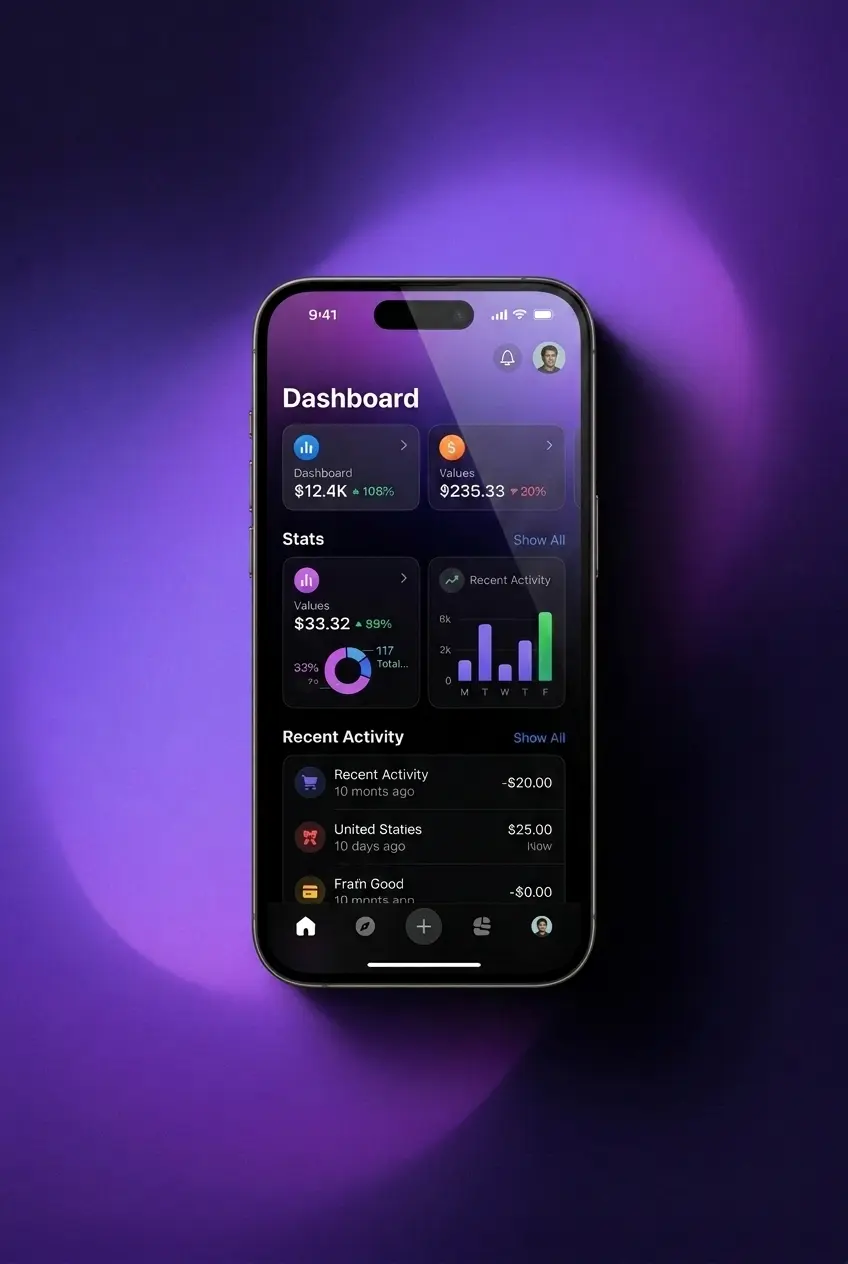
Step 2: Agree to Download in the Pop-Up
Tap “Download” when your browser displays a confirmation pop-up to proceed with saving the APK file.
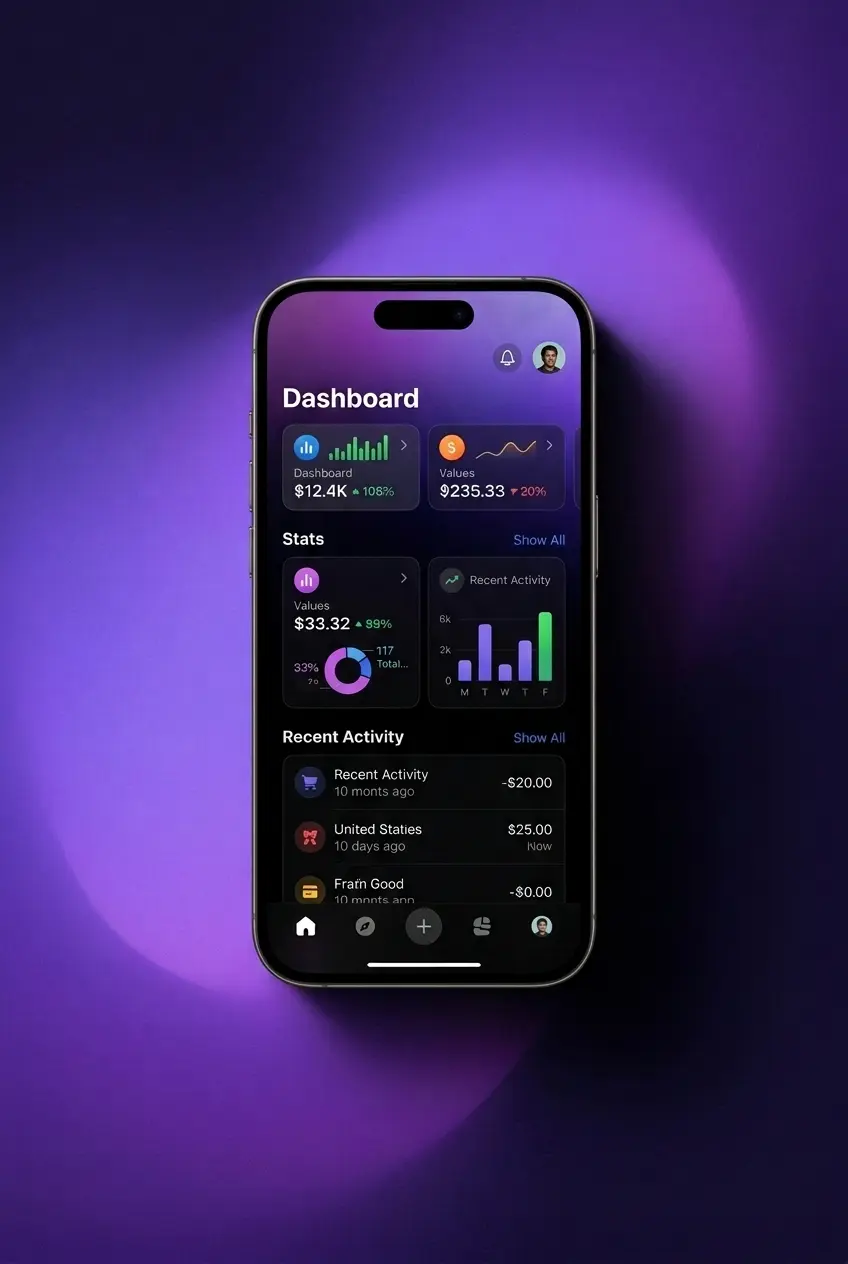
Step 3: Allow Installation from Unknown Sources
Go to Settings, open Security or Privacy, and enable “Install from Unknown Sources” for your browser.
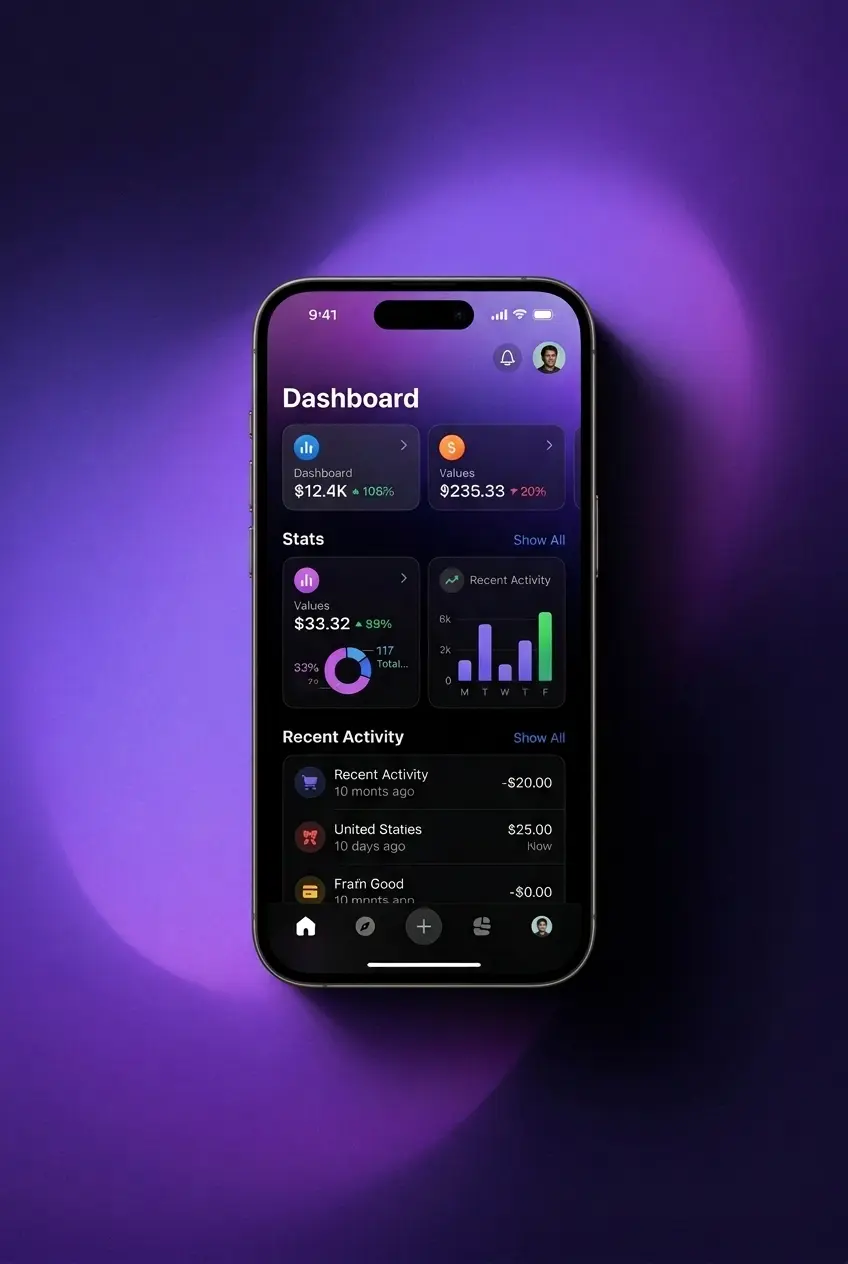
Step 4: Confirm the Installation
Open the downloaded APK file from your notifications or file manager, tap “Install”, wait for the process to complete, then launch the Betvibe app.
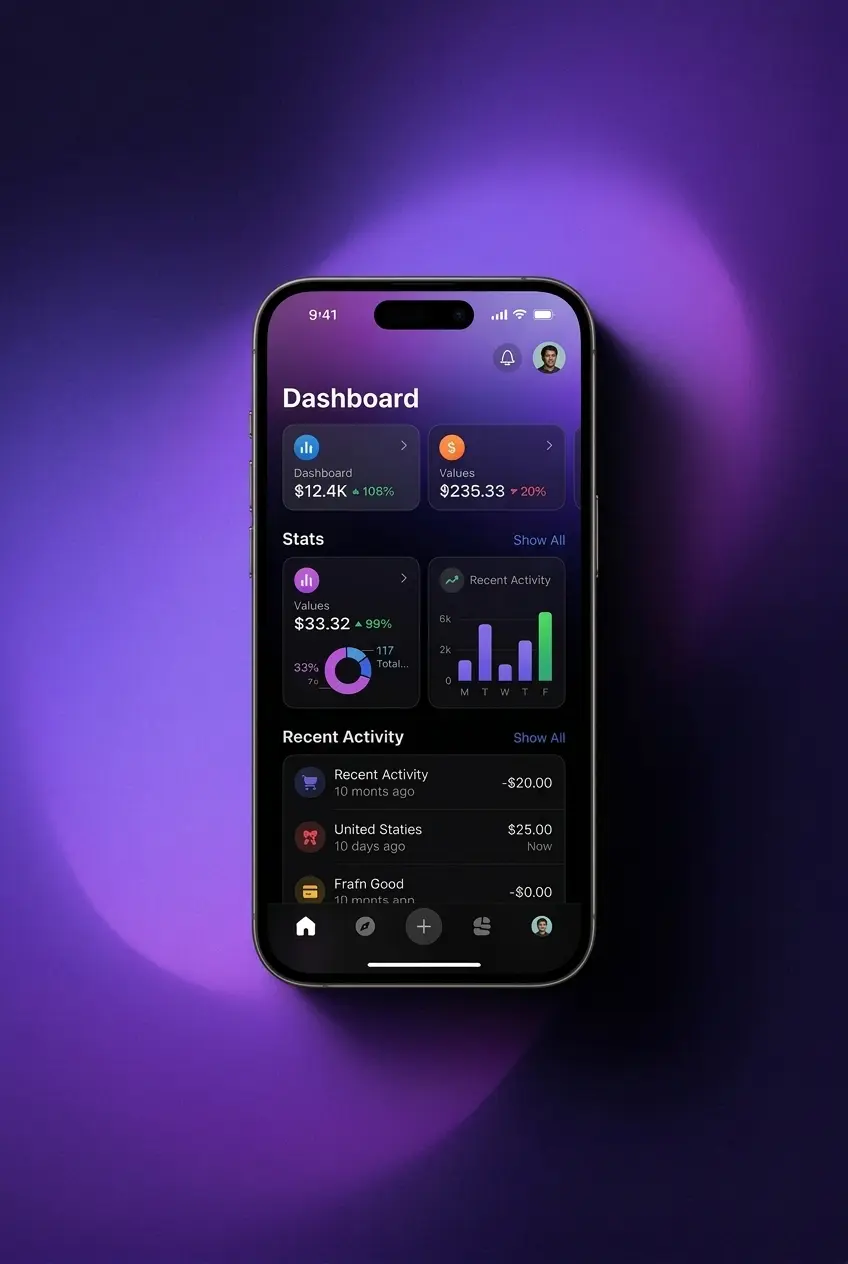
System Requirements for Android
The Betvibe app runs on most mid-range and flagship Android devices available in Bangladesh. Before downloading the APK, confirm your device meets the following minimum specifications.
| Requirement | Minimum Specification |
|---|---|
| Android Version | Android 6.0 (Marshmallow) or higher |
| Minimum RAM | 2 GB |
| Processor | Quad-core 1.4 GHz or higher |
| Storage Space | 50 MB free storage required |
Supported Devices for Betvibe APK Version
The Betvibe APK is compatible with a broad range of Android smartphones sold across Bangladesh. Most devices running Android 6.0 or above and equipped with at least 2 GB of RAM will run the app without performance issues. The table below lists confirmed compatible brands and their popular current models.
| Brand | Models |
|---|---|
| Samsung | Galaxy A55, A35, A15, S24, S24+, S24 Ultra, S23 FE |
| Sony | Xperia 1 VI, Xperia 5 VI, Xperia 10 VI |
| Huawei | Nova 12i, Nova 11i, Y90 |
| OnePlus | 12R, Nord CE 4, Nord N30 |
| Oppo | Reno 12, A3 Pro, A38 |
| Pixel 9, Pixel 9 Pro, Pixel 8a | |
| Xiaomi | Redmi Note 13, Redmi 13C, POCO M6 Pro |
| Poco | POCO X6, POCO F6, POCO M6 Pro |
Download Betvibe App for iOS (PWA) in 5 Steps
5 stepsThe Betvibe PWA for iOS installs directly through Safari without requiring any store download. The process takes under 60 seconds and gives you a full app experience from your iPhone home screen. Follow these five steps to get set up.
Click Download for iOS
Tap the “Download for iOS” button on this page to open the Betvibe site in Safari.
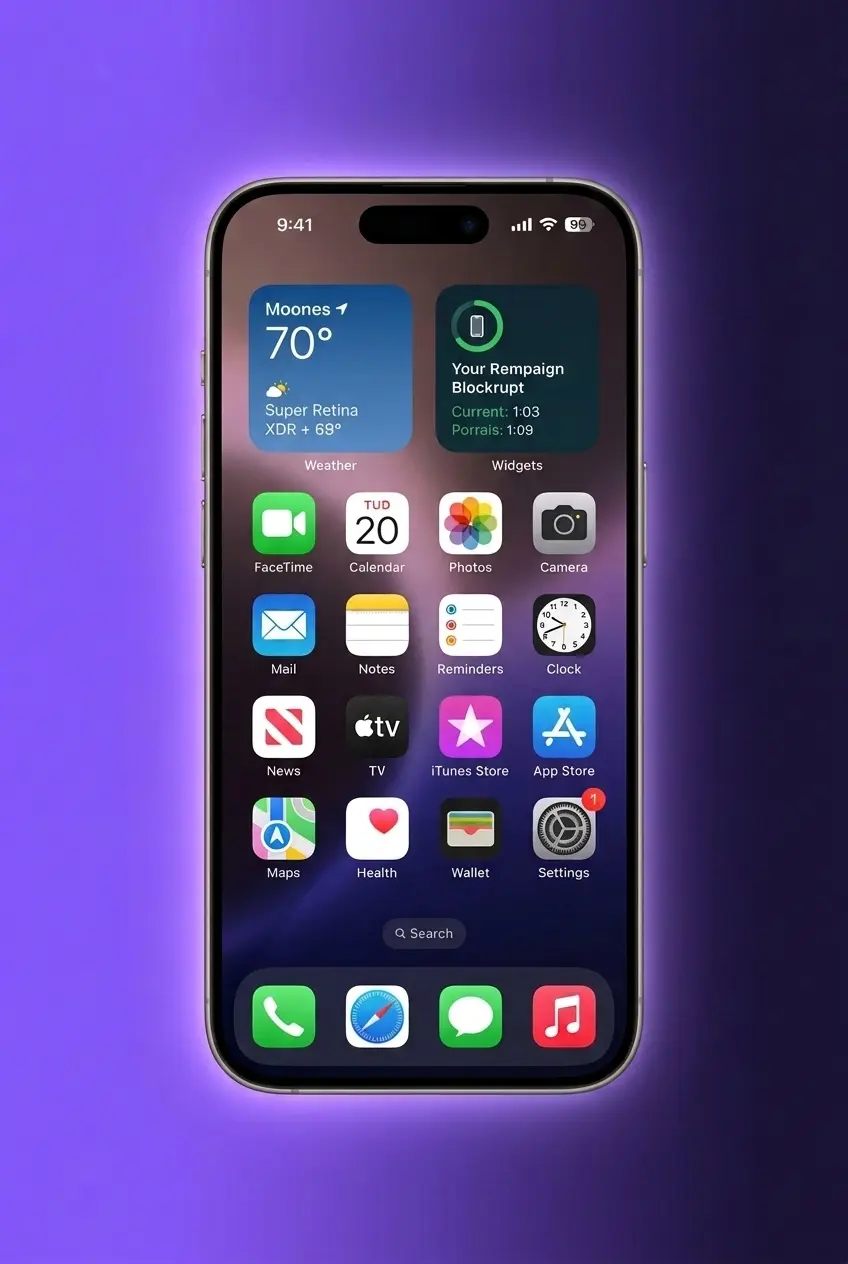
Login or Sign Up
Log in with your existing credentials or complete registration if you do not have an account yet.
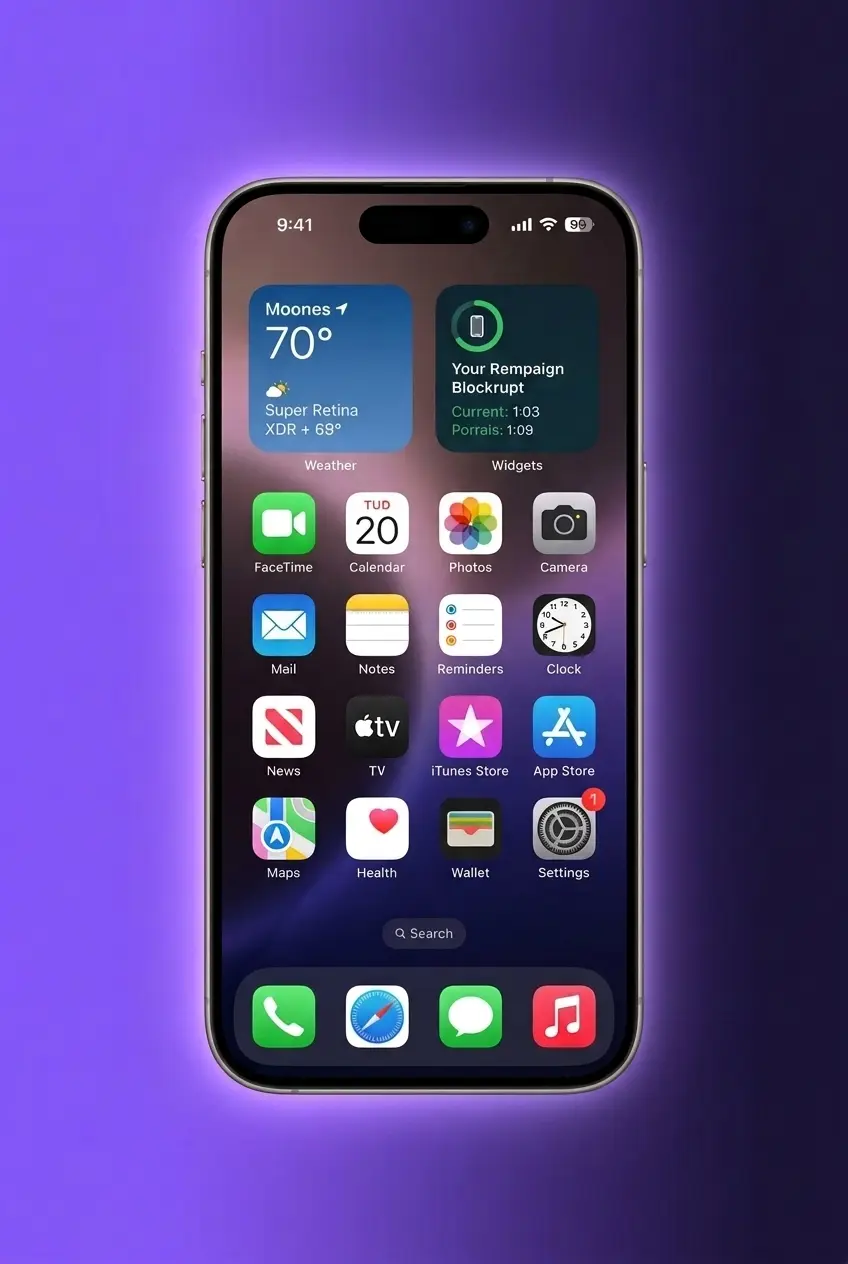
Tap the “Share” Button
In Safari, tap the Share icon at the bottom of the screen to open the sharing menu.
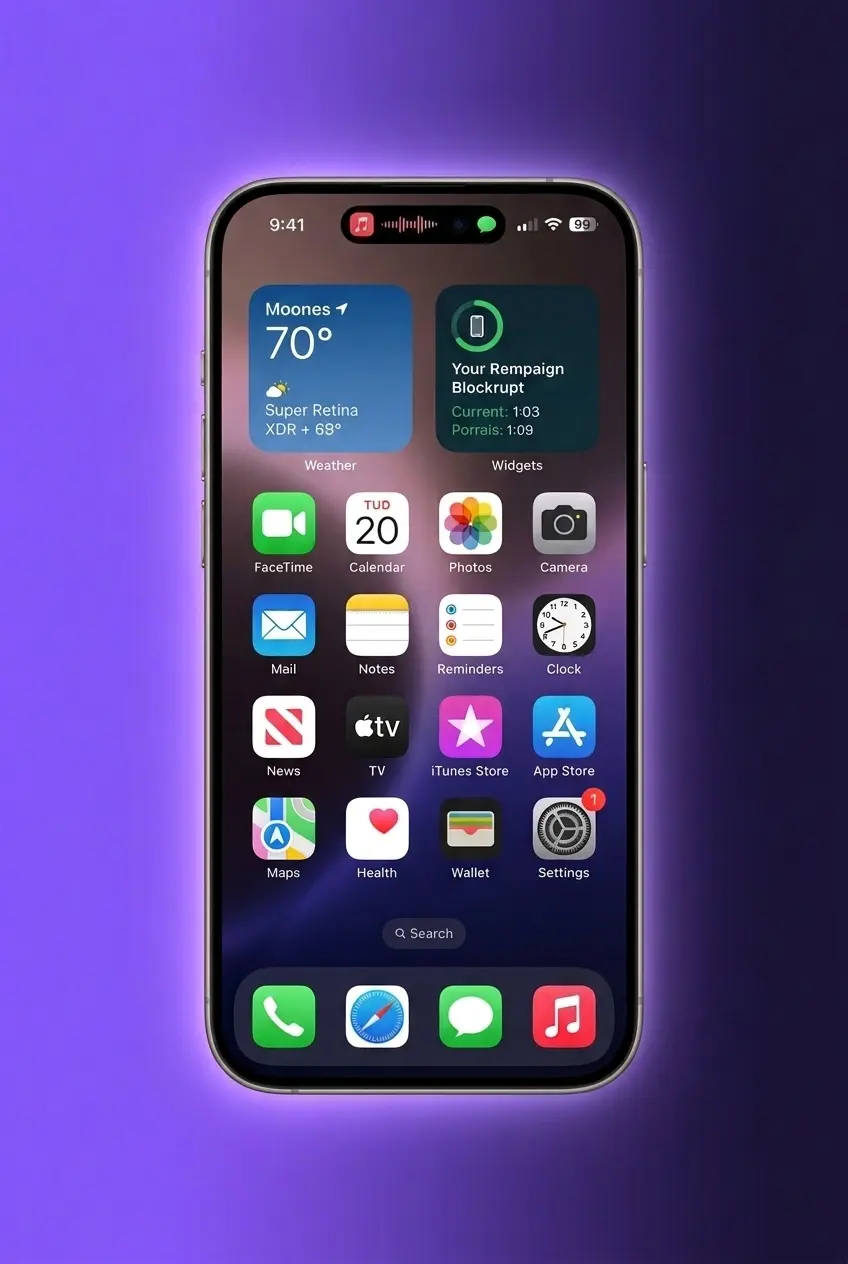
Select “Add to Home Screen”
Tap “Add to Home Screen” from the share menu, then tap “Add” to confirm and save the PWA icon.
Begin Exploring
Open the Betvibe icon from your home screen, log in, and start placing bets or playing casino games immediately.
Supported Devices for Betvibe iOS Version
The Betvibe PWA is fully compatible with iPhones running iOS 14.0 or later. All core features, including live betting, casino games, deposits, and withdrawals, are accessible through Safari on supported Apple devices. The table below lists confirmed compatible iPhone models.
| Brand | Models |
|---|---|
| Apple | iPhone 16, iPhone 16 Plus, iPhone 16 Pro, iPhone 16 Pro Max, iPhone 15, iPhone 15 Plus, iPhone 15 Pro, iPhone 15 Pro Max, iPhone 14, iPhone 14 Plus, iPhone 14 Pro, iPhone 13, iPhone 13 Mini, iPhone SE (3rd generation) |
Registration Process via App
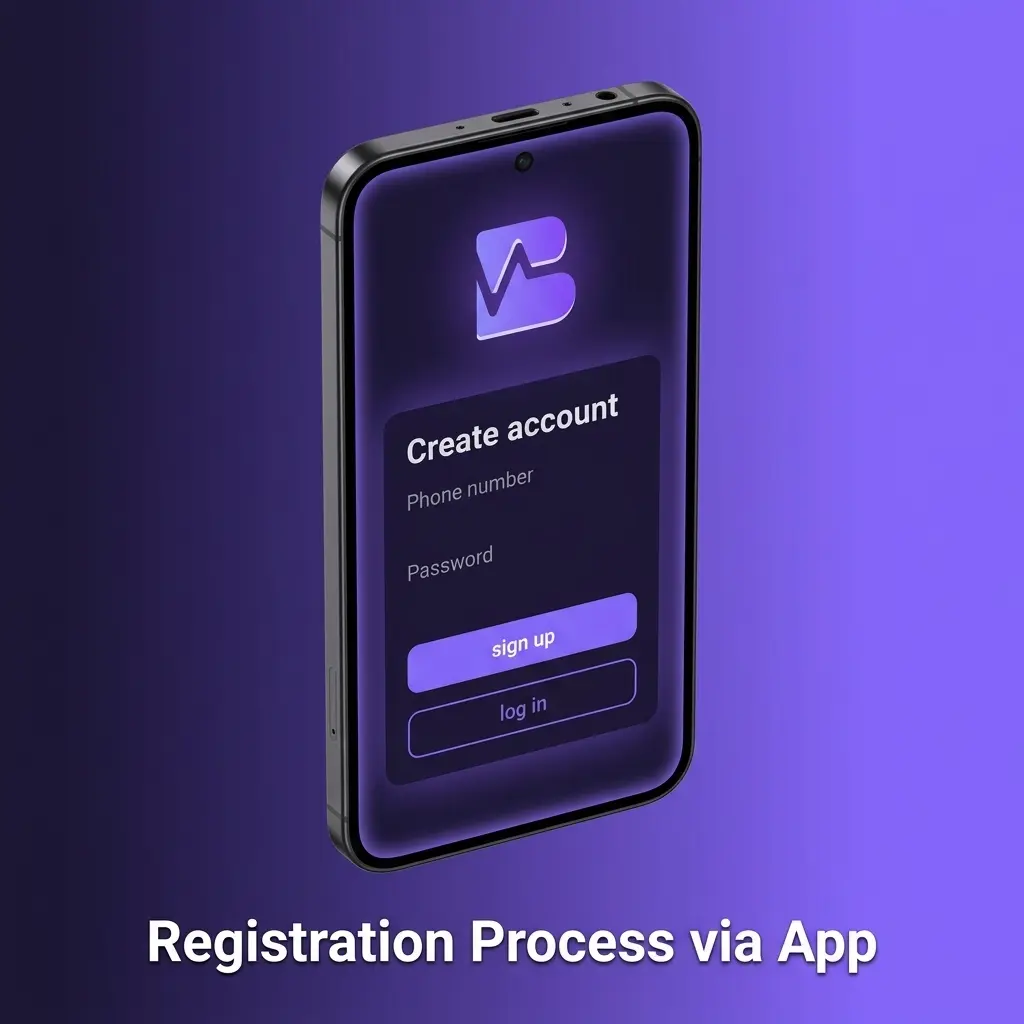
Creating a Betvibe account through the mobile app takes under three minutes. The process is the same on Android and iOS.
- Open the app and tap the “Register” button on the home screen.
- Enter your email address, create a password, and select Bangladesh as your country.
- Provide your personal details, including full name, date of birth, and phone number.
- Tick the terms and conditions box, then tap “Create Account” to complete registration.
Once registered, you can immediately claim the Welcome Package and make your first deposit through the cashier section.
Welcome Bonus for Mobile Players
All new Betvibe players registered through the mobile app are eligible for the full Welcome Package. The Casino Welcome Package delivers up to €1,500 plus 150 Free Spins across your first three deposits. The first deposit is matched at 100%, the second at 50%, and the third at 25%. Sports bettors receive a separate 100% matched bonus of up to €100 on their opening sportsbook deposit. All bonuses are subject to standard wagering requirements, which are displayed in full within the Promotions section of the app.
How to Update Betvibe App to the Latest Version?
The Betvibe Android app notifies you directly when a new version is available. Updates are delivered through an in-app prompt, not through the Google Play Store.
- Open the app after receiving an update notification on your device.
- Tap “Update Now” when the in-app prompt appears on screen.
- Confirm the download and wait for the new APK to install automatically.
- Restart the app once the installation completes to activate the latest version.
Keeping the app updated ensures access to the latest odds feeds, game releases, and security patches. The Betvibe PWA for iOS updates automatically each time you open it in Safari, with no manual steps required.
Importance of Updating Betvibe App
Each new version of the Betvibe app can include critical security patches that protect your account and payment data. Updates also address reported bugs, improve loading performance, and introduce new features such as additional payment methods or expanded live betting markets. Outdated versions may experience connection errors or restricted access to certain features. Installing every new release promptly guarantees the most stable, secure, and fully featured experience on your device.
Make Your First Bet in the Betvibe App
Placing your first bet on the Betvibe app requires a funded account and takes under a minute to complete. The sportsbook covers cricket, football, kabaddi, and dozens of other markets with competitive odds.
- Log in to your account and tap “Sports” from the bottom navigation bar.
- Select your sport, tournament, and match, then tap an odds button to add it to your bet slip.
- Enter your stake amount in the bet slip and review the potential payout.
- Tap “Place Bet” to confirm your wager.
Your bet is confirmed instantly and tracked under “My Bets” in your account.
How to Delete Betvibe App?
To remove the Betvibe APK from an Android device, press and hold the app icon on your home screen or app drawer, then select “Uninstall” and confirm. To remove the iOS PWA, press and hold the Betvibe icon on your home screen, tap “Remove App”, and select “Delete from Home Screen”. Deleting the app does not close your account or affect your balance.
How to Login via Betvibe App?
Signing in to your Betvibe account through the mobile app is a two-tap process available immediately after installation.
- Open the app and tap “Login” at the top right corner of the home screen.
- Enter your registered email address and password in the provided fields.
- Tap “Sign In” to access your account and the full sportsbook and casino lobby.
Betvibe App Features
The Betvibe application integrates sportsbook, live casino, slots, and account management into one mobile platform. The bottom navigation bar provides one-tap access to Sports, Casino, Live Casino, Promotions, and Account sections. Game and market pages load in under two seconds on a 4G connection. The app supports Bengali as a display language, making navigation straightforward for players in Bangladesh. In-play betting is available across all major sports with odds updating continuously. The cashier section handles deposits and withdrawals within the same app environment, with no need to switch to a browser.
Live Betting Features
The Betvibe sportsbook offers live betting across more than 30 sports simultaneously. Cricket is the flagship live betting market, covering BPL, IPL, international Test matches, and T20 tournaments with ball-by-ball odds updates. Football markets include the Premier League, La Liga, Bundesliga, and local Asian leagues. Kabaddi, tennis, and basketball are also available for in-play wagering. Odds refresh within seconds of on-field events, keeping your bet slip current at all times. The live section displays a match tracker with key stats for supported events. Live streaming is available for selected matches, viewable directly within the app without leaving the platform.
Casino Games Features
The Betvibe casino lobby contains over 5,000 titles across slots, table games, and live dealer categories. Slots from providers including Pragmatic Play, Evolution, NetEnt, Play'n GO, and Hacksaw Gaming are all available. Game thumbnails load within one second, and titles launch without additional software installation. The live casino section streams real dealers from professional studios with tables for baccarat, roulette, blackjack, and Andar Bahar. Andar Bahar and Teen Patti are highlighted in the live casino lobby given their popularity among South Asian players. A search filter and category tabs allow you to find specific titles within seconds. All games are certified for fair outcomes through independent RNG auditing.
Deposit Features
The Betvibe app cashier supports multiple deposit methods suited for players in Bangladesh. Deposits process immediately for most methods, allowing you to start betting without delay. All transactions are encrypted using 256-bit SSL technology to protect your financial data. Cryptocurrency deposits typically confirm within 10 to 30 minutes depending on network congestion. No deposit fees are charged by Betvibe on any supported method.
| Feature | Details |
|---|---|
| Available Payment Methods | Visa, Mastercard, Skrill, Neteller, Bitcoin, Ethereum, Litecoin, Tether (USDT) |
| Deposit Minimum | €10 (or cryptocurrency equivalent) |
| Deposit Maximum | €10,000 per transaction (method-dependent) |
| Transaction Security | 256-bit SSL encryption |
| Processing Time | Instant for cards and e-wallets; 10–30 minutes for crypto |
Withdrawal Features
Withdrawals from the Betvibe app are processed through the same cashier section used for deposits. Account verification (KYC) must be completed before your first withdrawal is approved. E-wallet withdrawals are typically processed within 24 hours, while bank transfers may take up to 5 business days. Cryptocurrency withdrawals offer the fastest settlement times, often completing within one hour after approval. Betvibe does not charge withdrawal fees on any available method.
| Feature | Details |
|---|---|
| Available Withdrawal Methods | Visa, Mastercard, Skrill, Neteller, Bitcoin, Ethereum, Litecoin, Tether (USDT) |
| Withdrawal Minimum | €20 (or cryptocurrency equivalent) |
| Withdrawal Maximum | €5,000 per transaction (method-dependent) |
| Transaction Security | 256-bit SSL encryption |
| Processing Time | E-wallets: up to 24 hours; Bank transfer: 3–5 business days; Crypto: within 1 hour |
User Profile Features
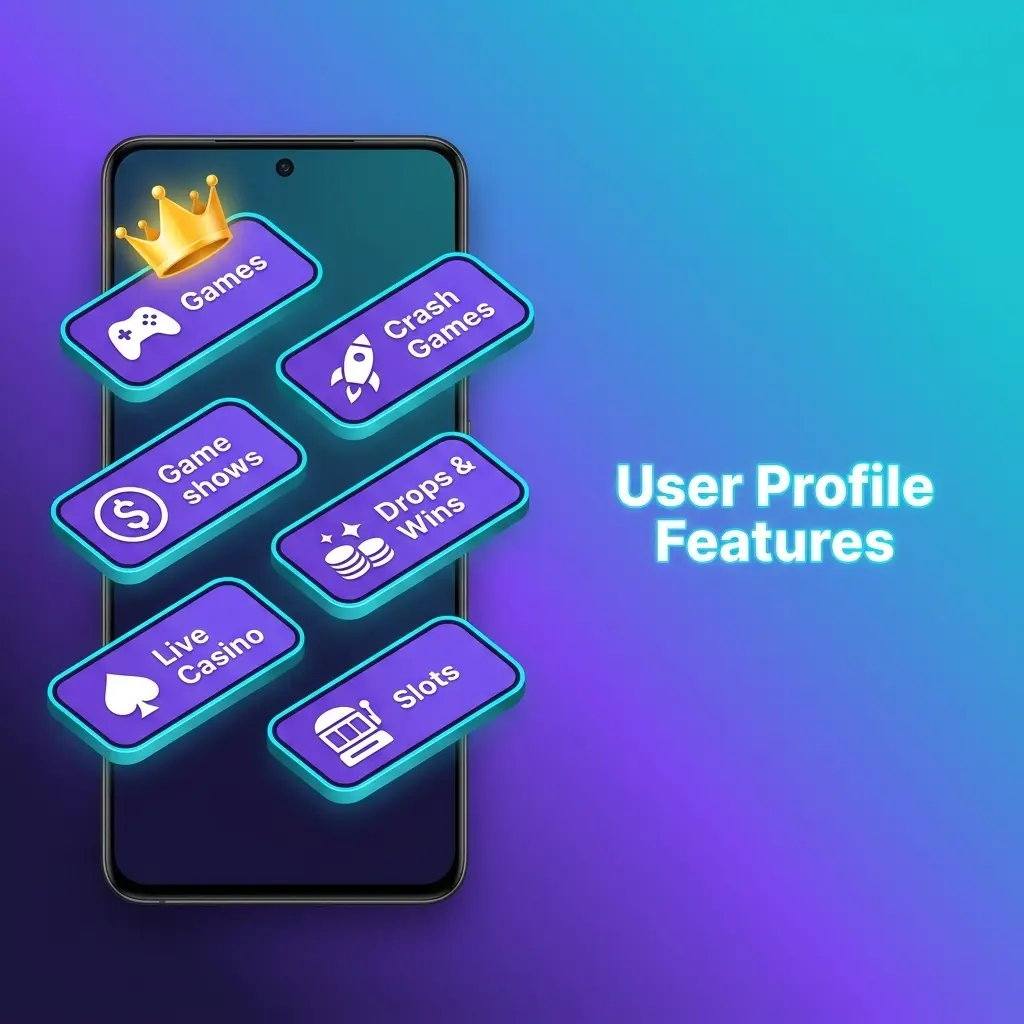
The Betvibe account section centralises all personal and financial management tools in one location. Your current balance is displayed at the top of the screen at all times, updating after every transaction. The transaction history log shows all deposits, withdrawals, and bonus credits with timestamps and reference numbers. Personal details, including name, email address, phone number, and residential address, can be updated directly from the Profile tab. KYC document uploads are handled within the Verification section of your account, with status tracking available. Responsible gambling tools, including deposit limits, session time limits, and self-exclusion options, are accessible under Account Settings. Bonus balance and wagering progress are displayed separately from your main balance to avoid confusion.
Notification Features
The Betvibe app delivers push notifications directly to your Android or iOS device for key account and betting events. Notification types include deposit confirmations, withdrawal updates, bonus activation alerts, and live match reminders for events you have added to your favourites. Promotional notifications alert you to new bonus offers and limited-time free spin drops. You can customise which notification categories you receive by navigating to Settings and selecting Notification Preferences within the app. Push notifications are delivered reliably even when the app is running in the background. For iOS PWA users, notifications are delivered through the browser rather than native push channels. All notification settings can be adjusted or disabled at any time without contacting support.
Betvibe App Security Protocols
The Betvibe app secures all data transmitted between your device and its servers using 256-bit SSL encryption, the same standard used by international banking institutions. Player account data is stored on secured servers with restricted access and regular penetration testing. Login security is enforced through session token authentication, which expires automatically after a period of inactivity. Two-factor authentication (2FA) is available for account login and is strongly recommended for all players. Payment transactions pass through PCI-DSS compliant gateways, ensuring card and banking data is never stored directly on Betvibe servers. The platform operates under a Curaçao eGaming licence (No. 8048/JAZ), which mandates regular third-party audits of security infrastructure. Players can enable login alerts to receive a notification each time their account is accessed from a new device. Suspicious activity can be reported immediately through 24/7 live chat support.
Betvibe App Device Permissions
The Betvibe APK requests only the permissions necessary for core app functionality. Internet access permission is required to load live odds, casino games, and process transactions. Storage permission is requested to save the APK installation file and cache game assets for faster loading. Camera permission may be requested during the KYC verification process when uploading identity documents through the app. Notification permission enables the delivery of push alerts for account activity, bonus updates, and live match events. Location permission is not required by the app and is not requested during installation or use. No contacts, call logs, or microphone access is requested at any point. All permission requests are displayed clearly during installation, and you can manage them at any time through your Android device’s Settings menu under App Permissions.
FAQ
Is the Betvibe app free to download?
Yes, the Betvibe APK for Android and the PWA for iOS are both free to download. No fees are charged at any point during installation.
Does the Betvibe app work without a VPN in Bangladesh?
Availability may vary depending on your internet service provider. If the site or app is restricted on your network, a VPN can help you access the platform. Check the current connection status with your ISP before downloading.
Can I use the same account on both Android and iOS?
Yes. Your Betvibe account works across all platforms. You can log in on Android, iOS, or the desktop browser using the same credentials without creating a new account.
How long does it take to withdraw money through the app?
E-wallet withdrawals such as Skrill and Neteller are processed within 24 hours. Cryptocurrency withdrawals typically complete within one hour after approval. Bank transfers take between 3 and 5 business days.
Is my personal data safe in the Betvibe app?
All data is protected by 256-bit SSL encryption and stored on PCI-DSS compliant servers. Two-factor authentication is available for additional account protection.
Does the Betvibe APK consume a lot of mobile data?
The app is optimised for mobile data usage. Standard sports betting and casino browsing consumes approximately 5 to 10 MB per session. Live streaming and live casino games will use more data and are best used on Wi-Fi or a 4G connection.
What should I do if the Betvibe app crashes or fails to load?
First, check that your Android version is 6.0 or higher and that you have at least 50 MB of free storage. Clear the app cache through your device Settings, then restart the app. If the issue continues, contact support via 24/7 live chat.
Is the casino welcome bonus available when I register through the app?
Yes. Players who register through the Android APK or the iOS PWA receive the full Welcome Package, including up to €1,500 and 150 Free Spins across their first three deposits.
Updated: